Mocking Permissions, Sensors & Device Behaviors in Jest
🛎️ When Your App Wants to Notify the User…
Mocking Permissions, Sensors & Device Behaviors in Jest

🛎️ When Your App Wants to Notify the User…
Our Expense Tracker is now a grown-up app.
It calculates totals…
fetches APIs…
survives network disasters…
and even remembers things better than we do.
So now it wants to do something meaningful:
👉 Remind the user to add expenses.
But there’s a problem.
A UNIVERSAL problem.
The user.
May.
Say.
“NO.”
Yes.
Notification permissions are that polite request your app makes…
and the user rejects like a spam call.
So today we learn to mock notification permissions, so your tests do not break when real users decide to betray you.
💡 Why Notification Permissions Need Mocking
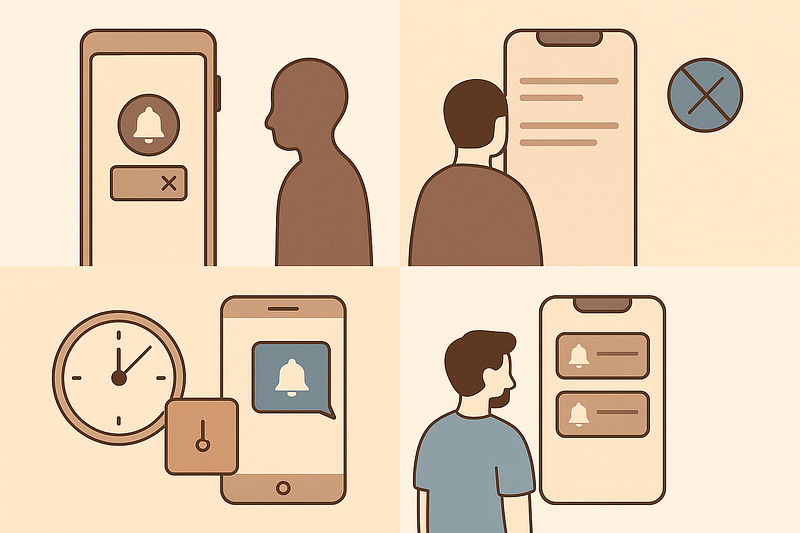
In real apps, notifications break for reasons nobody understands:
- The user denied permission
- iOS silently blocks your request
- Android “optimizes battery” (translation: kills everything)
- Notification service returns empty responses
- Some devices delay notifications by 6 hours
- Some fire twice
- Some never fire at all
Testing this in real life is impossible.
Testing in Jest?
Easy.
Fast.
Predictable.
And you do not need 12 devices on your desk.
🧪 Step 1 — Our Notification Permission Function
Let’s say our Expense Tracker checks permission before sending reminders:
📁 notificationPermission.js
exports.checkNotificationPermission = async () => {
  return Notification.requestPermission();
};
In browsers this returns "granted", "denied", or "default".
On devices, libraries like Expo/React Native behave similarly.
We want to test how our logic reacts to each state.
🧪 Step 2 — Mock the Permission API
📁 notificationPermission.test.js
global.Notification = {
  requestPermission: jest.fn(),
};

const { checkNotificationPermission } = require('./notificationPermission');

test('should handle granted permission', async () => {
  Notification.requestPermission.mockResolvedValue('granted');

  const result = await checkNotificationPermission();

  expect(result).toBe('granted');
});
This is clean.
Simple.
Predictable.
And you never have to rely on real OS permission dialogs.
You have definitely seen this:
You test notifications on Android.
They work.
You test on iOS.
They don’t.
You test again.
They work.
You hand the device to QA.
They stop working.
You reinstall the app.
They work again.
You push to production.
They never work again.
Mocking avoids this emotional rollercoaster.
🧪 Step 3 — Mock “Denied” Permission
test('should handle denied permission', async () => {
  Notification.requestPermission.mockResolvedValue('denied');

  const result = await checkNotificationPermission();

  expect(result).toBe('denied');
});
Your app should gracefully handle a user who says “no thanks.”
🧪 Step 4 — Mock “Default” (User Ignored Prompt)
On web and some RN libs, "default" means user dismissed the popup without answering.
test('should handle default permission', async () => {
  Notification.requestPermission.mockResolvedValue('default');

  const result = await checkNotificationPermission();

  expect(result).toBe('default');
});
This case is often forgotten — but very real.
🔥 Step 5 — Mocking Actual Notification Delivery
Imagine this function:
📁 sendNotification.js
exports.sendReminder = async () => {
  if (Notification.permission !== 'granted') return false;
  return Notification.show('Time to log expenses!');
};
We mock this too:
global.Notification = {
  permission: 'granted',
  show: jest.fn(),
};

const { sendReminder } = require('./sendNotification');

test('should send notification when permission granted', async () => {
  const result = await sendReminder();

  expect(Notification.show).toHaveBeenCalled();
  expect(result).toBeTruthy();
});
Now you test the entire flow:
permission → delivery → success.
Psychology
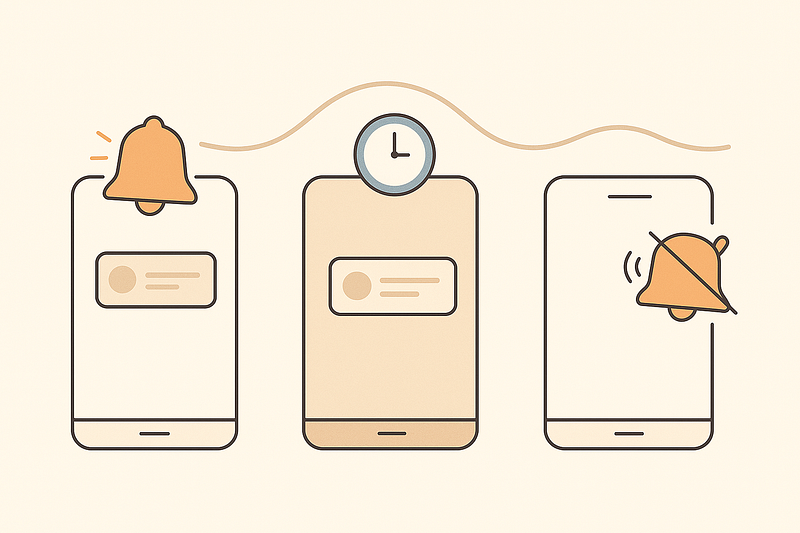
Developers relate deeply to notification bugs because:
- They think it’s working (it’s not)
- They think it’s not working (it suddenly is)
- iOS Simulator lies
- Android background restrictions change every OS update
- Expo’s notification service behaves differently across devices
When your writing points to these experiences, readers feel:
“YES — I’ve suffered this too.”
And that’s why they keep reading your series.
This is how you build trust.
✅ SUMMARY

Today our Expense Tracker learned how to talk to the user politely…
and how to survive emotional rejection.
We learned:
🛎️ Mocking notification permissions (granted / denied / default)
📩 Mocking actual notification delivery
❌ Avoiding OS-level unpredictability
🔁 Making tests consistent across devices
Your tests now understand human behavior:
Most people say “Not Now.”
Your app says “No problem.”
Next post → Mocking Sensors & Device Behaviors (GPS, Motion, Orientation)
We’re going deeper.
Thanks for reading.
If this added value, follow me for more clear and practical posts.
— Alkesh Jethava