🗺️ Mocking GPS & Location Sensors in Jest — Expense Tracker Edition
It helps with sorting, filtering, statistics — even memory.
🗺️ Mocking GPS & Location Sensors in Jest — Expense Tracker Edition

Our Expense Tracker has:
- survived storage
- time travel
- mocked APIs
- mocked notifications
- become emotionally strong
Now it wants to be location-aware.
It wants to say:
“Hey, you spent ₹180 at Iscon Mall today.”
Makes sense, right?
Modern apps auto-tag location.
It helps with sorting, filtering, statistics — even memory.
But there is a problem.
A universal problem.
GPS sensors have one personality: unpredictable.
💡 Why GPS Sensors Need Mocking

Because real GPS behaves like this:
- Works fine in open area
- Dies instantly near a kitchen
- Drifts 300 meters for no reason
- Takes 14 seconds inside malls
- Shows you in another city sometimes
- Fails exactly when you want to demo to your manager
- Gives 0,0 (the ocean) randomly
- Takes forever on some cheap Android phones
Testing with real GPS?
Impossible.
Testing with Jest?
Easy.
Predictable.
Fast.
No actual satellites required.
🧪 Step 1 — Our Expense Tracker’s Location Feature
Let’s say our app does:
// location.js
exports.getLocation = () => {
  return navigator.geolocation.getCurrentPosition(
    (success) => success.coords,
    (error) => null
  );
};
And our app uses this when adding an expense:
exports.addExpense = async (amount) => {
  const coords = await getLocation();
  return { amount, location: coords };
};
Simple.
But deadly.
Because if GPS breaks → your whole test breaks.
🧪 Step 2 — Mocking GPS Success
📁 location.test.js
const mockGeolocation = {
  getCurrentPosition: jest.fn((success) =>
    success({ coords: { latitude: 23.0225, longitude: 72.5714 } })
  ),
};

global.navigator = { geolocation: mockGeolocation };

const { getLocation } = require('./location');

test('should return mocked coordinates', () => {
  const coords = getLocation();
  expect(coords.latitude).toBe(23.0225);
});
We just pretended Ahmedabad’s coordinates came from a satellite.
But really → Jest produced them in 0.0001 seconds.
Pain
You test GPS.
It works.
You restart the device.
It stops.
You go outside.
It works.
You come back inside.
It moves your location 200 meters away.
You try to debug.
It tells you nothing.
You Google.
Everyone says “works for me.”
GPS is not a sensor.
It is a ghost. 👻
That’s why mocking feels… comforting.
🧪 Step 3 — Mocking GPS Failure
When user denies permission
OR
device can’t find location:
mockGeolocation.getCurrentPosition.mockImplementationOnce((success, error) =>
  error({ message: 'Location unavailable' })
);
Now your app must handle:
- null locations
- missing coordinates
- fallback behavior
This makes your app real-world ready.
🧪 Step 4 — Mocking Slow GPS Responses
Some devices take forever:
jest.useFakeTimers();

mockGeolocation.getCurrentPosition.mockImplementation((success) => {
  setTimeout(() => success({ coords: { latitude: 0, longitude: 0 } }), 5000);
});

jest.runAllTimers();
Five seconds → one millisecond.
“Time is an illusion.”
Psychology
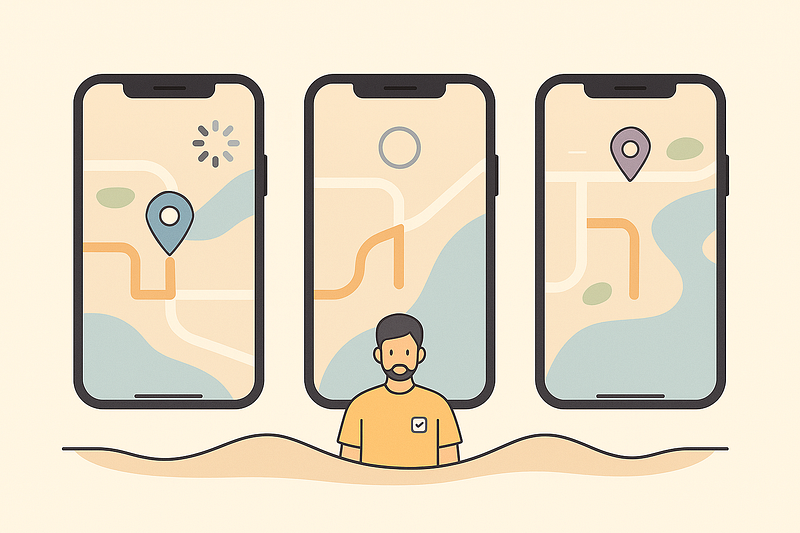
GPS bugs are painful because they feel random:
- Some phones instantly give coordinates
- Others take eternity
- Cheap devices return inaccurate values
- Indoor locations break
- Malls confuse sensors
- Sometimes GPS claims you’re in Mumbai when you’re in Ahmedabad
This pain hooks emotionally.
Summary

Your Expense Tracker is now location-aware without touching real sensors.
Today we learned:
🧭 Mocking GPS success
❌ Mocking GPS failure
🐢 Mocking slow responses
📍 Predictable coordinates in tests
🛰️ Zero dependency on real hardware
Your tests no longer rely on:
- satellites
- devices
- permissions
- sunlight
- hope
They rely only on YOU.
Thanks for reading.
If this added value, follow me for more clear and practical posts.
— Alkesh Jethava