🕵🏻 Mocking Functions and Spies in Jest – Expense Tracker Edition
It can calculate totals, handle errors, and even mock APIs like a champ.
🕵🏻 Mocking Functions and Spies in Jest – Expense Tracker Edition
Our Expense Tracker is growing up fast.
It can calculate totals, handle errors, and even mock APIs like a champ.
But what about the parts of our code that depend on our own functions — not the network, not the database, just little helpers that live quietly inside our app?
Sometimes we do not want them to run for real.
We just want to watch them.
See if they were called, how many times, and with what data.
That is exactly what Jest spies are for.
Today, we are going to learn how to mock and spy on functions — both from external files and within the same module — all inside our familiar friend, the Expense Tracker.
💡 Why We Need Spies
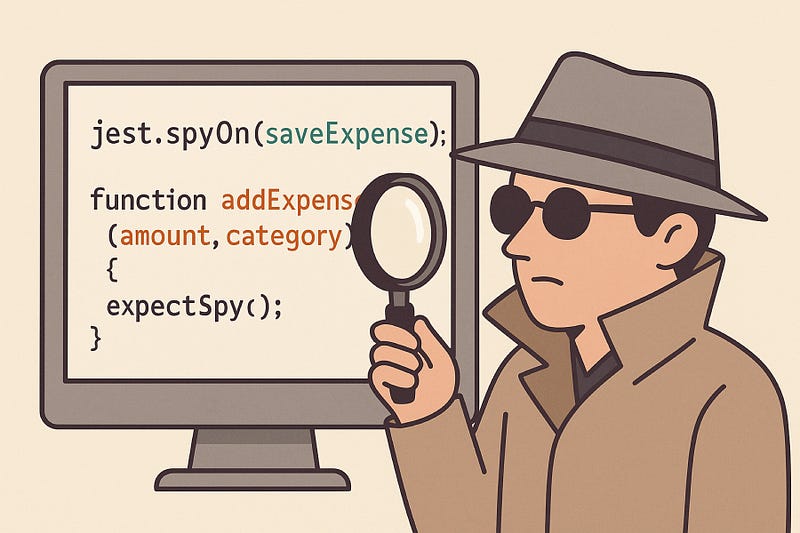
Imagine your Expense Tracker is now tracking categories of expenses — groceries, travel, bills.
You wrote a function that saves expenses to local storage (or database).
But in your test, you do not want to actually save anything…
You just want to confirm whether the “save” function got called with the right data.
That is what spying feels like — standing in the corner quietly, taking notes, and not disturbing the scene.
⚙️ Step 1 — Add a New Helper Function
Let’s expand our app a bit.
Create a file named expenseSaver.js
exports.saveExpense = (expense) => {
  console.log('Saving expense:', expense);
  // Imagine this connects to local storage or DB
  return true;
};
Now create another file named expenseManager.js
const { saveExpense } = require('./expenseSaver');

exports.addExpense = (amount, category) => {
  const expense = { amount, category, date: new Date().toISOString() };
  saveExpense(expense);
  return expense;
};
Our addExpense() function depends on another function — saveExpense().
We do not want to run it for real inside our tests… we just want to make sure it was called correctly.
🧪 Step 2 — Spy on That Function
Now, let’s test whether addExpense() calls saveExpense() properly.
📁 expenseManager.test.js
const expenseSaver = require('./expenseSaver');
const { addExpense } = require('./expenseManager');

test('should call saveExpense with correct data', () => {
  const spy = jest.spyOn(expenseSaver, 'saveExpense');
  const expense = addExpense(500, 'Groceries');

  expect(spy).toHaveBeenCalled();
  expect(spy).toHaveBeenCalledWith(expect.objectContaining({
    amount: 500,
    category: 'Groceries',
  }));

  spy.mockRestore();
});
What happened here:
jest.spyOn()started quietly observingsaveExpense.- It did not run the real function (unless you let it).
- We verified it was called… and that it received the right data.
That is how spies give you control without changing the code’s behavior.
🧠 Step 3 — Replace Behavior Entirely
Sometimes, you want the function to pretend it did something — like return a success message — without touching the real logic.
test('should mock saveExpense behavior', () => {
  const spy = jest.spyOn(expenseSaver, 'saveExpense').mockReturnValue('saved');

  const expense = addExpense(100, 'Bills');

  expect(spy).toHaveBeenCalledTimes(1);
  expect(spy).toHaveReturnedWith('saved');

  spy.mockRestore();
});
Now saveExpense() will not even log or run — it will just return 'saved'.
You can test addExpense() confidently, knowing you are not hitting any real storage.
⚡ Step 4 — Mocking Internal Functions (Same File)
What if both functions live in the same file?
You cannot require the same file twice — so you use a trick called module factory mocking.
📁 expenseManager.js
function saveExpense(expense) {
  console.log('Saving expense:', expense);
  return true;
}

function addExpense(amount, category) {
  const expense = { amount, category };
  saveExpense(expense);
  return expense;
}

module.exports = { addExpense, saveExpense };
📁 expenseManager.test.js
const expenseManager = require('./expenseManager');

test('should mock internal saveExpense function', () => {
  const mockFn = jest.spyOn(expenseManager, 'saveExpense').mockImplementation(() => false);

  const expense = expenseManager.addExpense(200, 'Travel');
  expect(mockFn).toHaveBeenCalled();
  expect(mockFn).toHaveReturnedWith(false);

  mockFn.mockRestore();
});
You just spied on your own function and replaced it temporarily.
That is the magic of spies — quiet power.
💬 A Real-World Example
I remember debugging a payment module once,
Where the function that “processed” payments actually started charging money during tests (yes, really 😅).
The fix?
We replaced it with a mock that simply said, “Payment processed successfully,” and the test suite ran safely again.
Spies and mocks save time, money, and sanity.
✅ Summary

In this post, we learned:
- What spies are and when to use them
- How to mock your own functions using
jest.spyOn() - How to change or restore behavior dynamically
- How to safely test dependencies without actually running them
In the next post, we will learn how to mock modules and timers — so your tests can control time itself (literally).
Because once your Expense Tracker starts scheduling tasks,
Jest will need to manage that clock too.
💬 Comment what part confused you — I will simplify it in the next post.
Thanks for reading.
If this added value, follow me for more clear and practical posts.
— Alkesh Jethava