Stop Overusing useEffect — 4 Simple Rules Every React Developer Should Know
useEffect is one of the most common hooks in React and React Native.
Stop Overusing useEffect — 4 Simple Rules Every React Developer Should Know
Write cleaner React code by avoiding these four useEffect traps.
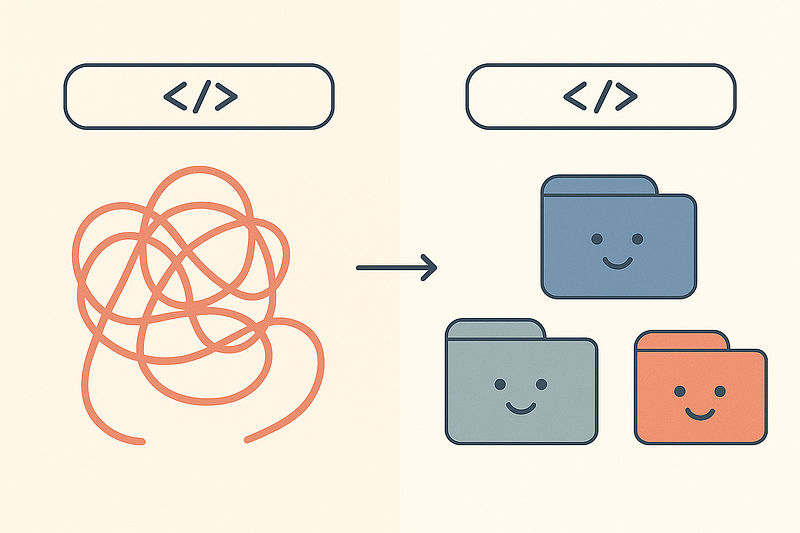
useEffect is one of the most common hooks in React and React Native.
But many developers use it even when it is not needed.
This creates extra re-renders, random bugs, and confusing code.
I was doing the same thing.
When I checked my old projects, I found that many useEffects were unnecessary.
So I made 4 simple rules that I follow in every project.
These rules make my components cleaner, faster, and easier to understand.
Let’s go through them with clear examples.
Rule 1 — If You Can Calculate It, Don’t Use useEffect
Many developers use useEffect just to calculate something.
But if you can calculate it directly, you don’t need an effect.
❌ Unnecessary effect
const [filtered, setFiltered] = useState([]);

useEffect(() => {
  const result = items.filter(i => i.active);
  setFiltered(result);
}, [items]);
This adds one more state and one more re-render.
Not needed.
✅ Do it directly
const filtered = items.filter(i => i.active);No effect.
No extra state.
Cleaner and faster.
If it can be calculated, calculate it.
DO NOT store it in state.
Rule 2 — Do Not Copy Props into State (Only When Needed)
Beginners often do this:
❌ Copying props into state
const [user, setUser] = useState(null);

useEffect(() => {
  setUser(props.user);
}, [props.user]);
Now you have two copies of the same data.
This creates bugs.
✅ Use the prop directly
const user = props.user;When copying is okay
Only copy props into state when you want to edit or change that data.
const [name, setName] = useState(props.user.name);Here you are editing the value in a form.
So this is fine.
But don’t copy props just because it “feels right.”
Rule 3 — Don’t Put Business Logic Inside useEffect
Many developers put API calls, heavy logic, and calculations inside effects.
This makes the component hard to read and hard to maintain later.
❌ API call inside component
useEffect(() => {
  api.get('/posts').then(res => setPosts(res.data));
}, []);
Problems:
- Logic is hidden
- Hard to reuse
- Hard to test
- Hard to manage later
✅ Move logic to a custom hook
// usePosts.ts
export const usePosts = () => {
  const [posts, setPosts] = useState([]);

  useEffect(() => {
    api.get('/posts').then(res => setPosts(res.data));
  }, []);

  return posts;
};
Now your component looks clean:
const posts = usePosts();useEffect should NOT be the place where you put real logic.
Put logic in hooks, services, or helper functions.
Rule 4 — If Your Effect Does Not Need Cleanup, Think Again
A real useEffect usually has a cleanup:
- remove listeners
- clear intervals
- unsubscribe
- cancel logic
If your effect does not need cleanup, maybe you don’t need an effect.
❌ Unnecessary effect
useEffect(() => {
  console.log('User changed:', user);
}, [user]);
This is not useful.
It only makes your component bigger.
✅ A valid useEffect with cleanup
useEffect(() => {
  const subscription = AppState.addEventListener('change', handleChange);

  return () => subscription.remove();
}, []);
This is a real side effect.
It adds a listener and cleans it up later.
My Simple Checklist Before Writing Any useEffect
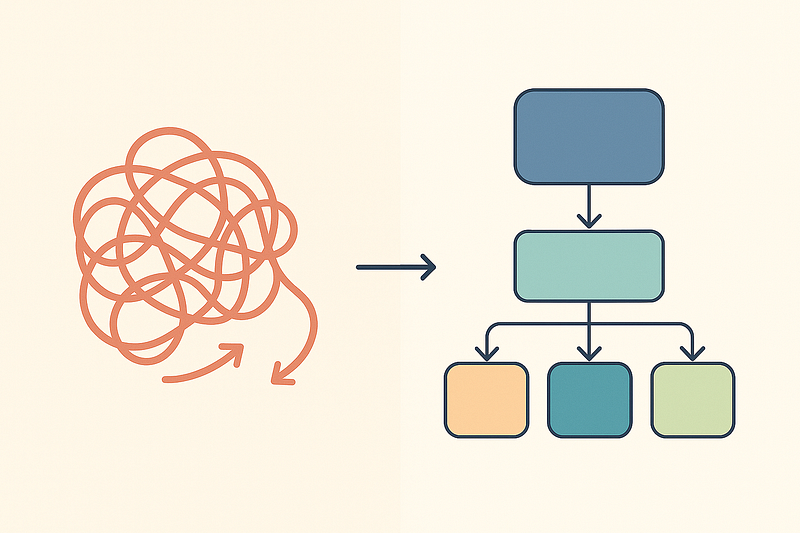
Ask yourself these four questions:
- Can I calculate this directly?
- Am I copying props into state without reason?
- Am I putting business logic inside the component?
- Does this effect really need cleanup?
If the answer is no for all four,
remove the useEffect.
YOU DON’T NEED IT.
Conclusion

I learned these rules while fixing real apps with real users.
After removing unnecessary useEffects, my components became cleaner, faster, and easier to understand.
Try these rules in one file today.
You will see an immediate difference.