React Native Animations — Introduction
Animation is the process of adding movement or change to objects to make them look alive or interactive.
React Native Animations — Introduction
What is Animation?
Animation is the process of adding movement or change to objects to make them look alive or interactive.
For Example:
Imagine you press LIKE Button on Instagram. The Heart Icon doesn’t just light up instantly:
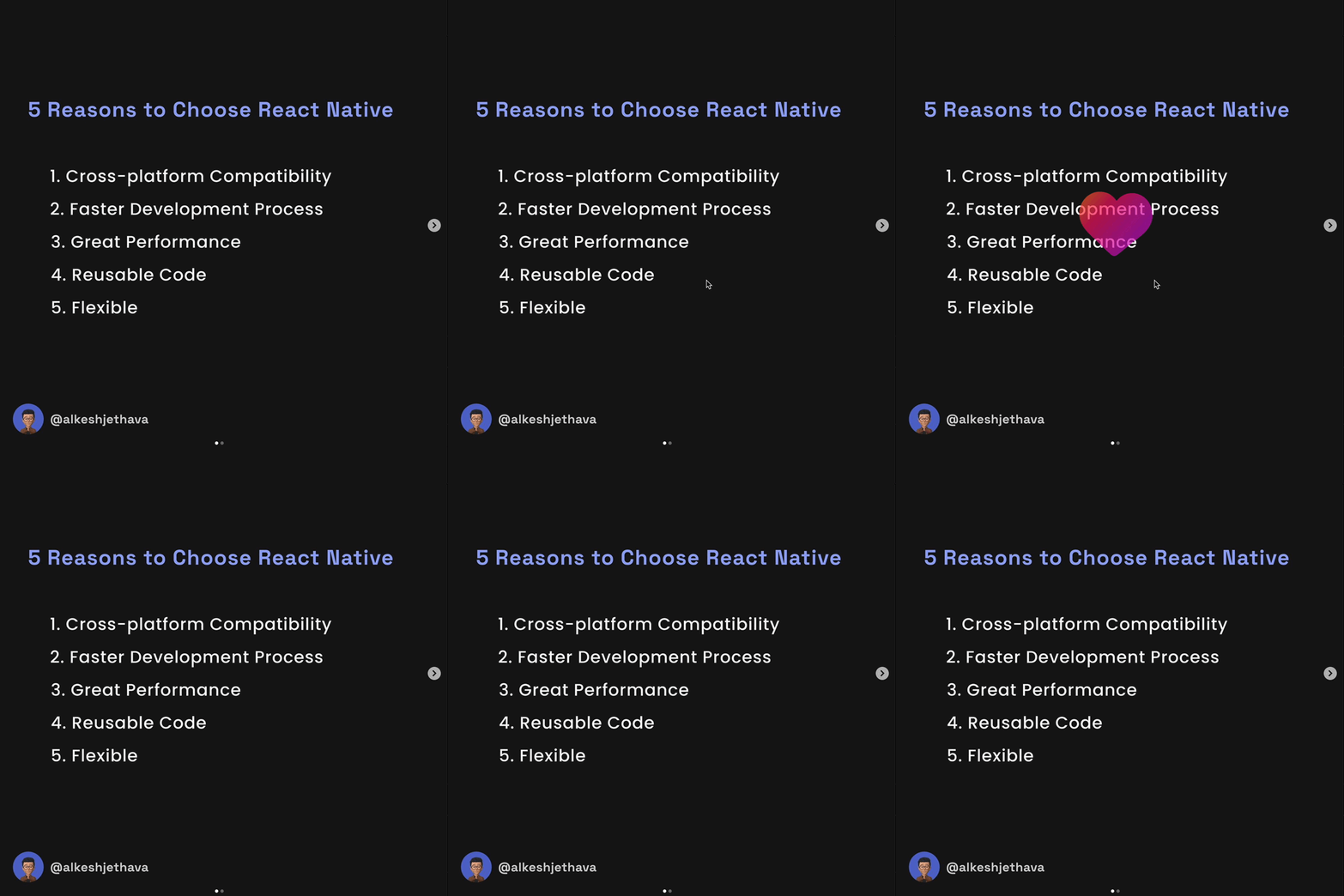
- It grows in size,
- Fills with color, and,
- Shrinks back to its normal size.
This movements is Animation.
It makes the interaction feel more engaging and satisfying, enhancing the app’s overall experience.
Why do we need Animations in Mobile Application?
Animations play a crucial role in improving User Experience (UX) in mobile apps. They:
- Make the interface more engaging and interactive.
- Help in communicating app functions and transitions more clearly.
For Example:
Imagine a loading spinner that appears when an app is fetching data. This animation reassures users that:
- The app is working in the background.
- They just need to wait for the task to complete.
Important points to consider when using animations in mobile applications
- Don’t overuse flashy animations: Overuse can be distracting and ruin the user experience.
- Ensure animations are:
- Relevant to actions being performed.
- Consistent with the app’s overall design language.
- Optimize animations: Poorly optimized animations can negatively impact performance, especially on low-end devices.
Ways to Add Animations in React Native Applications
In React Native, animations can be achieved primarily through the following methods:
- Animated API (Built-in library):
- A flexible and easy-to-use library for animating elements like views, text, images, or scrollable areas.
- Perfect for creating transitions, fades, and scaling effects.
2. LayoutAnimation:
- Ideal for animating layout changes, such as when components are added or removed from a view.
- It automatically animates layout transitions based on the given configuration.
Other ways
- React Native Reanimated:
- A more advanced and performance-focused library.
- It provides animations that run on the native UI thread, making them smoother and better for complex scenarios like gesture-based animations.
2. Lottie Animations:
- For high-quality animations using pre-designed
.jsonfiles (created with tools like Adobe After Effects). - Great for eye-catching loading indicators, icons, or background effects.
3. Custom Native Modules:
- For highly custom animations that aren’t supported by built-in or third-party libraries.
- Requires writing native code (in Objective-C, Swift, Java, or Kotlin).
4. Third-party Libraries:
- Libraries like
react-native-animatable,react-native-sparkle, etc., offer pre-built animations for common use cases.
5. Gesture-driven Animations:
- Create highly interactive animations based on gestures (like drag, swipe, or pinch) using libraries such as React Native Gesture Handler.
Prerequisites
Before diving into animations, ensure you have a basic understanding of:
- React Native Fundamentals: Components, props, state, and lifecycle methods.
- JavaScript ES6+ Features: functions, promises, destructuring, etc.
- React Native Development Environment Setup: Node.js, npm/yarn, and the React Native CLI or Expo.
Familiarity with libraries likeReact Native Gesture HandlerorReact Navigationcan be helpful.
Here’s the repo which you can use to get code from which I will push on each story I publish for this series
React Native Animations List by Alkesh Jethava
Most Loved !!
For more updates: subscribe to this medium account.
Thank you for reading 😊