React 19.2 Released — The Only Changes You Actually Need to Know
You’ll see many posts talking about every small detail, but most developers want only one thing:
React 19.2 Released — The Only Changes You Actually Need to Know
Changes That Actually Matter
React 19.2 is here.
You’ll see many posts talking about every small detail, but most developers want only one thing:
“What changed, and how does it affect my code?”
So here is a simple and practical guide.
The parts that matter for real projects.
1. The New <Activity> Component — Hide UI Without Losing State
Normally, when you hide a component using conditional rendering, the state resets.
❌ Before
{showSidebar && <Sidebar />}If you hide the sidebar, everything inside unmounts.
Scroll lost. Form values lost.
Annoying.
✅ React 19.2 Fix
You can now use the new <Activity> component.
<Activity mode={showSidebar ? "visible" : "hidden"}>
  <Sidebar />
</Activity>
What this gives you:
- The UI hides
- But the internal state stays safe
- No hacks needed
- Perfect for tabs, modals, drawers, filters, sidebars
This is one of the most useful additions in React 19.2.
2. New useEffectEvent Hook — Cleaner and Safer Effects
Many bugs in React apps come from messy useEffect dependencies.
React 19.2 introduces useEffectEvent, which gives you a stable event function that doesn’t cause effects to re-run again and again.
❌ Before — effect re-runs too much
useEffect(() => {
  const handler = () => console.log(count)
  window.addEventListener("click", handler)
  return () => window.removeEventListener("click", handler)
}, [count]) // reruns every time count changes
✅ After — stable event
const handleClick = useEffectEvent((count) => {
  console.log(count)
});

useEffect(() => {
  window.addEventListener("click", () => handleClick(count));
  return () => window.removeEventListener("click", () => handleClick(count));
}, []);
Benefits:
- no repeated re-renders
- no unnecessary effect triggers
- stable handler
- cleaner code
If you deal with useEffect bugs often, this solves a lot of pain.
3. Faster Server Rendering — Partial Pre-rendering
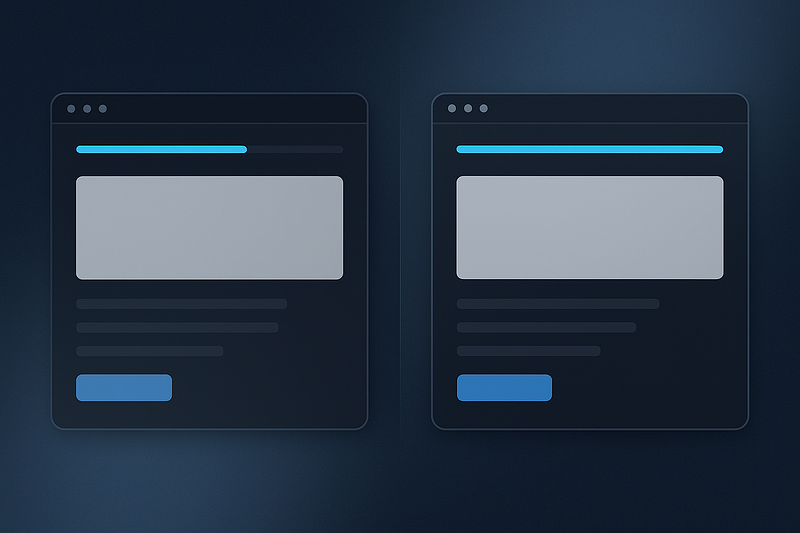
This one is more about performance and SEO.
React 19.2 improves server rendering by allowing:
- parts of the page to render early
- dynamic parts to “resume” on the client
- smoother transitions
- fewer hydration mismatches
If you use Next.js or any SSR setup, you’ll notice:
- faster first paint
- fewer layout jumps
- better user experience
You don’t need to write any special code.
React handles it.
4. Small but Useful Improvements
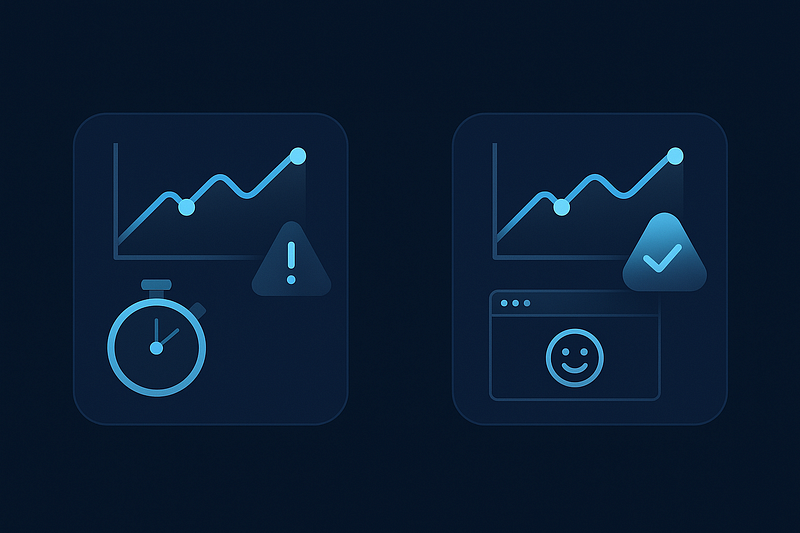
React 19.2 also brings:
- better performance tracking and profiling: Helps you see what’s slowing down your app.
- safer hydration behavior: Fewer bugs on first render with SSR.
- improved developer tools: Better warnings, clearer error handling, smoother dev experience.
These are not “features” but they improve everyday development.
Should You Upgrade?
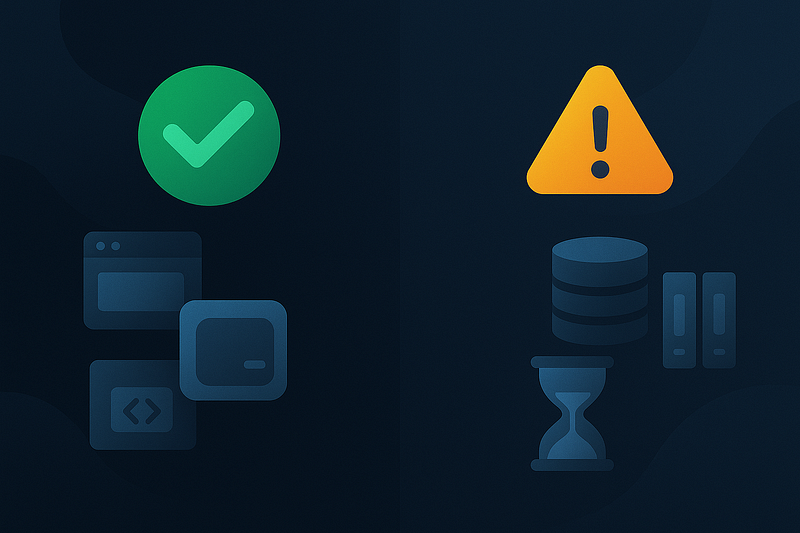
✅ Upgrade now if:
- you are starting a new project
- you want cleaner UI handling (modals, tabs, drawers, sidebars)
- you deal with messy useEffect logic
- your app uses SSR (Next.js)
- your project is under active development
⚠️ Wait if:
- you have a huge codebase
- many third-party libraries
- older internal tools
- no time for testing right now
React 19.2 is not risky, but testing is always safer for large apps.
How to Upgrade
npm install react@latest react-dom@latest

OR

yarn add react@latest react-dom@latest
Done.
Conclusion

React 19.2 is not a complicated release.
It brings practical improvements that make your daily coding easier:
- hide UI without losing state
- cleaner useEffect logic
- faster server rendering
- smoother debugging
This is one of those updates that makes React feel more modern and more predictable.
Try the <Activity> component and useEffectEvent today — you’ll see the difference instantly.
Follow for more practical React posts.