If You Have an iPhone, You Must Know This!
It comes with many hidden features that can make your life easier and more productive.
If You Have an iPhone, You Must Know This!
Your iPhone is more powerful than you think!
Your iPhone is more powerful than you think!
It comes with many hidden features that can make your life easier and more productive.
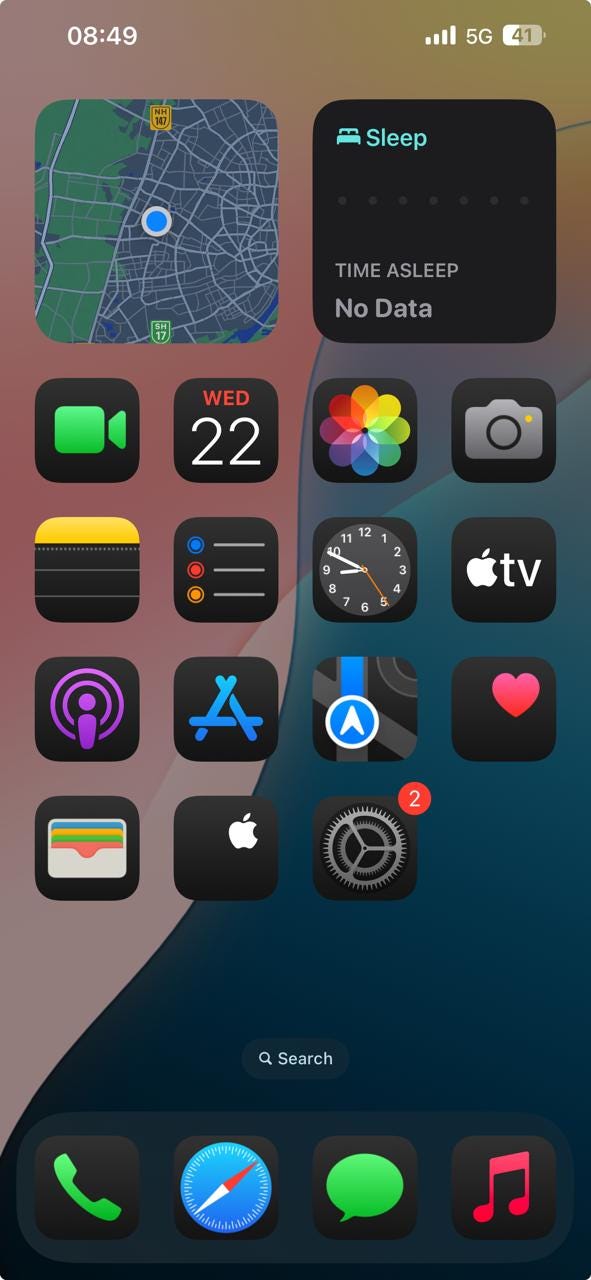
Here are 5 unique iPhone features that you should know about.
1. Back Tap Feature
Did you know you can tap the back of your iPhone to perform quick actions?
Double or triple tap to take a screenshot, open the camera, or lock the screen.
How to enable:
- Open Settings
- Go to Accessibility
- Tap Touch
- Select Back Tap
- Choose an action for double or triple tap

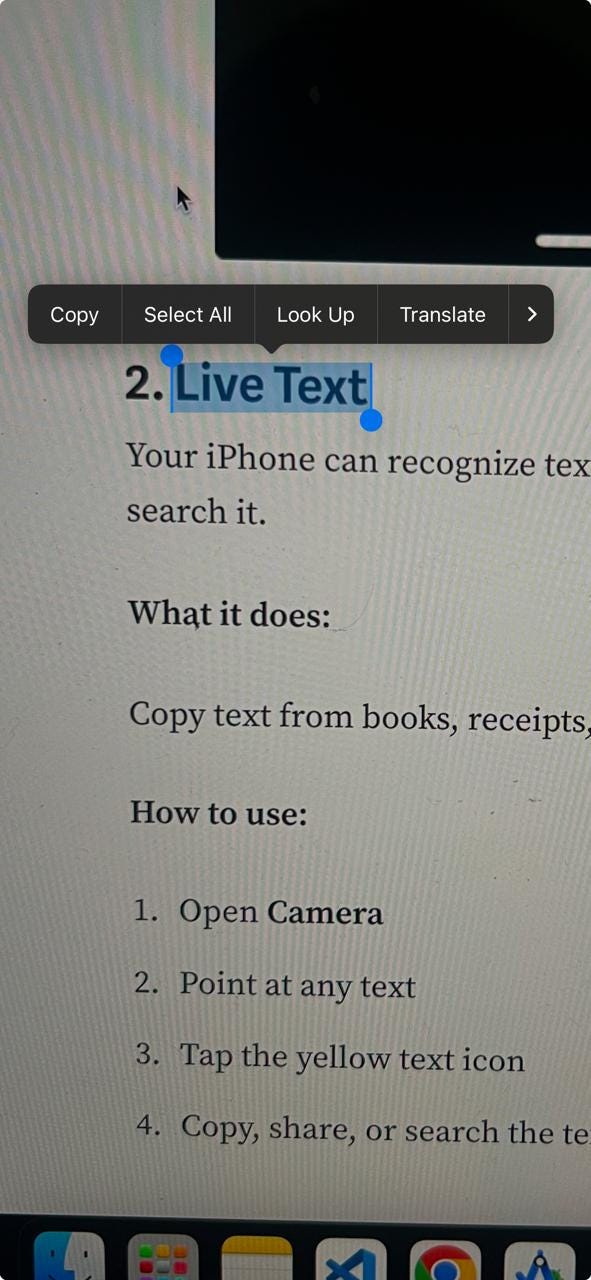
2. Live Text
Your iPhone can recognize text from images and allow you to copy or search it.
Copy text from books, receipts, or signs directly from the camera.
How to use:
- Open Camera
- Point at any text
- Tap the yellow text icon
- Copy, share, or search the text
3. Focus Mode
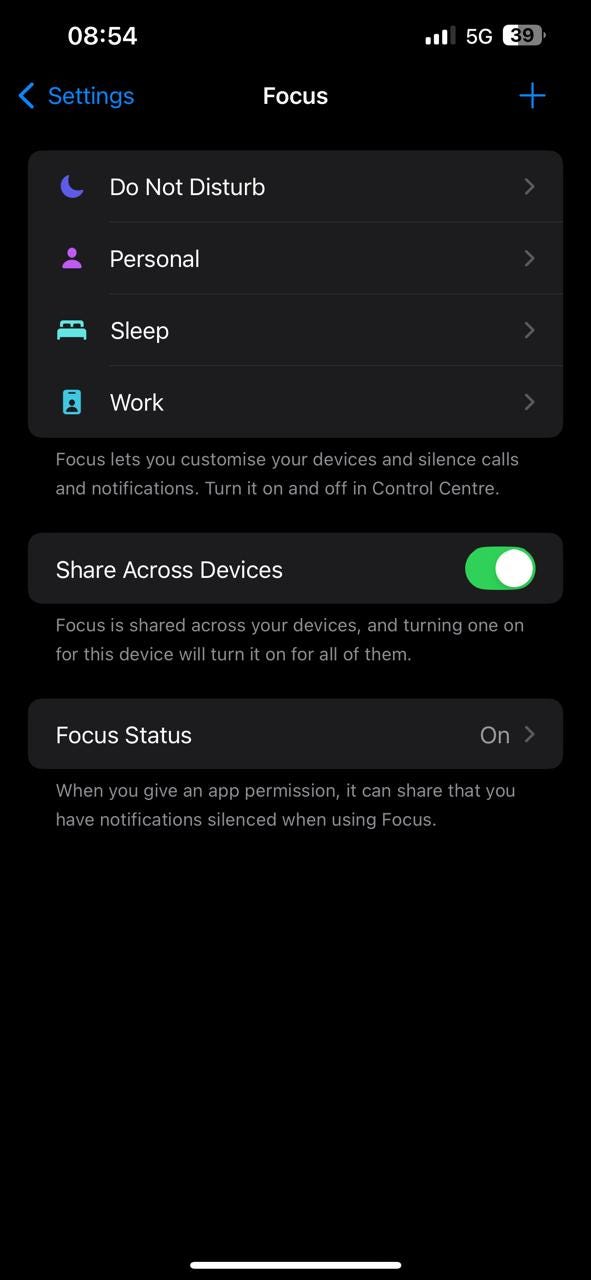
Stay distraction-free by using Focus Mode
Allows only important notifications during work or sleep.
How to set up:
- Open Settings
- Tap Focus
- Select Work, Sleep, or create your own
- Add allowed contacts and apps
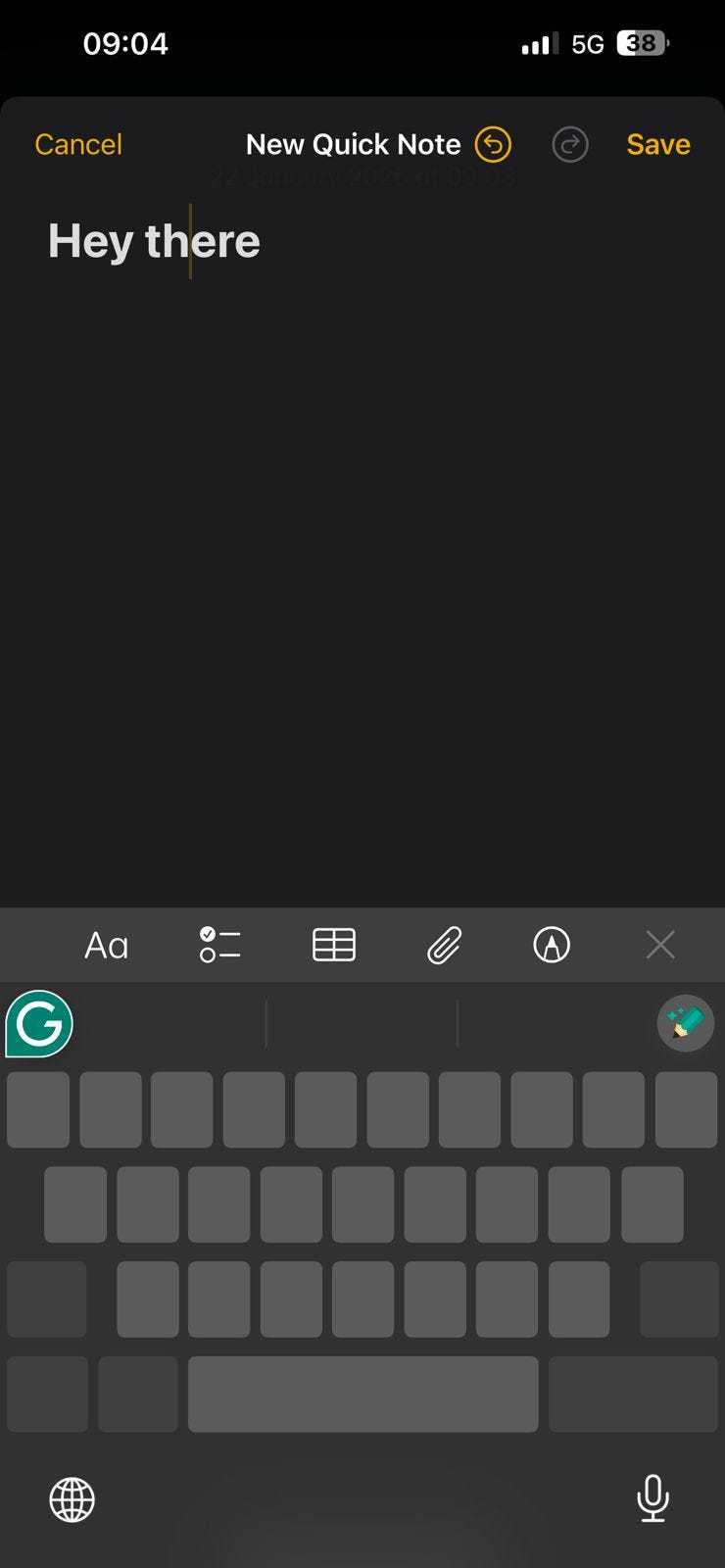
4. Quick Note
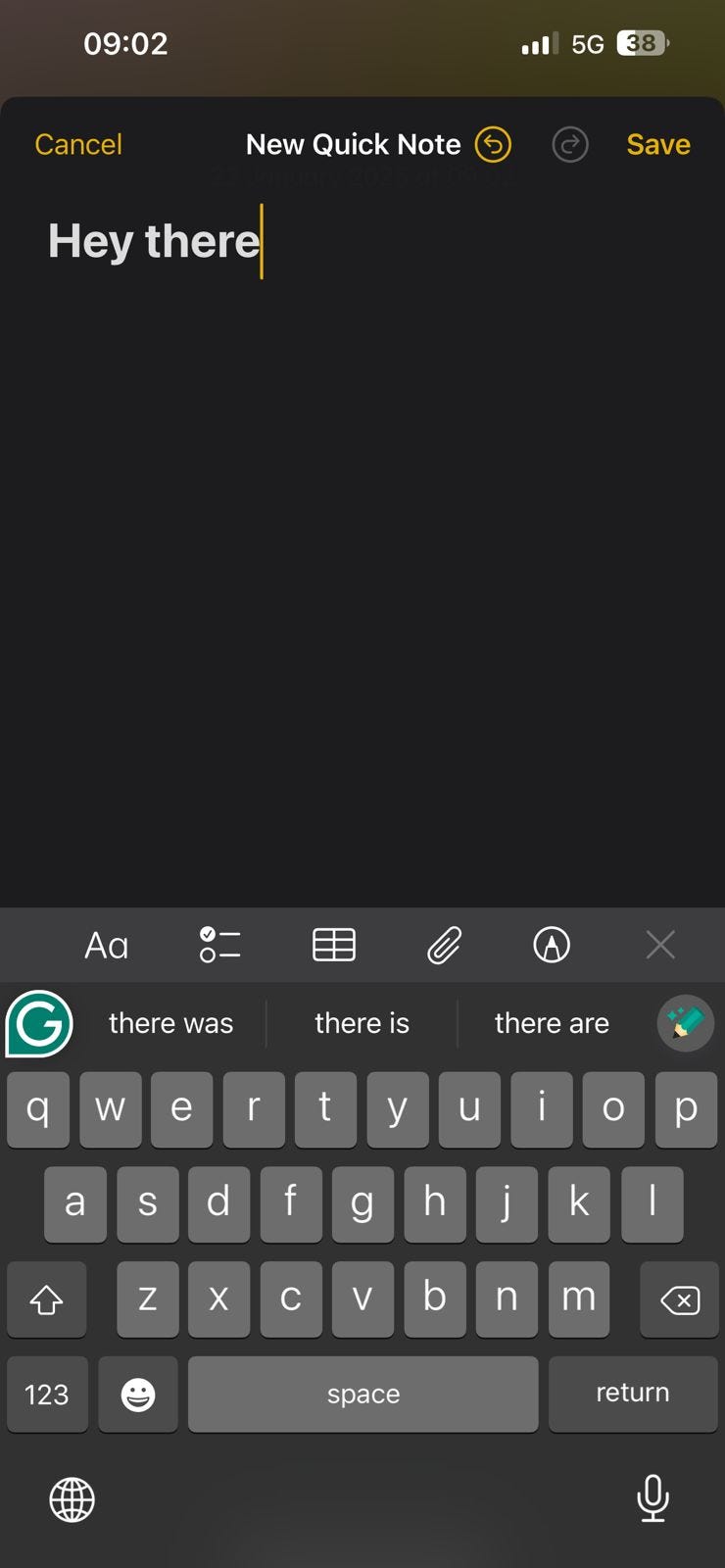
Capture ideas quickly without opening an app.
Swipe from the corner to open a note instantly.
How to use:
- Swipe from the bottom-right corner of the screen
- Write or draw your thoughts
- Save it to the Notes app
5. Hidden Trackpad
Turn your keyboard into a trackpad to move the cursor easily.
Makes it easy to edit text without tapping the screen repeatedly.
How to use:
- Open any app where you can type
- Press and hold the space bar
- Move your finger to adjust the cursor
These simple but powerful features can help you get more done with your iPhone.
Try them out and make your daily tasks easier!
Did you find these tips helpful? Share them with your friends!
For more updates: subscribe to my medium account.
Thank you for reading 😊