10 Git Commands Every Software Engineer Must Know
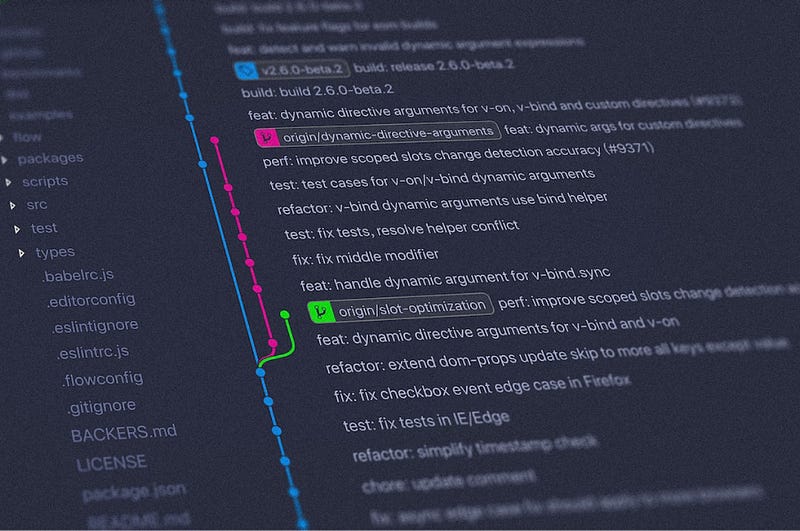
In the world of software engineering, Git is the backbone of version control, enabling developers to collaborate, track changes, and manage code effectively.
10 Git Commands Every Software Engineer Must Know
Hello Everyone! 😃
if you are non-member, you can read
In the world of software engineering, Git is the backbone of version control, enabling developers to collaborate, track changes, and manage code effectively.
For both seasoned professionals and newcomers to the field, understanding essential Git commands can make all the difference in streamlining workflow and boosting productivity.
Here’s the 10 Git Commands we will understand today :)
Initialize Your Repository
➡️ git init
Start your project on the right foot by setting up a Git repository in your working directory.
Clone Repository
➡️ git clone
Quickly replicate existing repositories from remote sources to your local machine for seamless collaboration.
Stage Changes
➡️ git add
Prepare your modifications for the next commit by staging them with this command.
Commit Changes
➡️ git commit
Document your work and save changes to the repository with meaningful commit messages.
Stay Updated
➡️ git status
Keep track of the current state of your repository, including changes that are staged or unstaged.
Fetch and Merge Changes
➡️ git pull
Bring the latest updates from a remote repository into your local branch and merge them effortlessly.
Share Your Work
➡️ git push
Upload your local commits to a remote repository, making your contribution accessible to collaborators.
Manage Branches
➡️ git branch
Create, list or delete branches to organize your work and facilitate parallel development.
Merge Branches
➡️ git merge
Integrate changes from one branch into another, combining divergent lines of development.
Navigate Your Repository
➡️ git checkout
Switch between branches or restore files to their previous state, helping you stay on track with your project goal.
By mastering these fundamental Git Commands, you can enhance your coding efficiency, collaborate seamlessly with teammates and navigate complex projects with confidence.
So, whether you’re embarking on a new coding adventure or honing your skills, make Git your ally and unlock the full potential of version control in your development journey.
I hope you found this 10 Git Command helpful -
If you have any questions or need further clarification on any of the commands, don’t hesitate to reach out, your feedback and questions are invaluable in shaping future story and ensuring that I continue to provide resources that empower devs like you😊
Thank you for taking the time to explore this topic with me😃
The world of software engineering is vast and ever-evolving, but with the right tools and knowledge at your disposal, you’re well equipped to tackle any challenges that comes your way.
HAPPY CODING! 🖥️